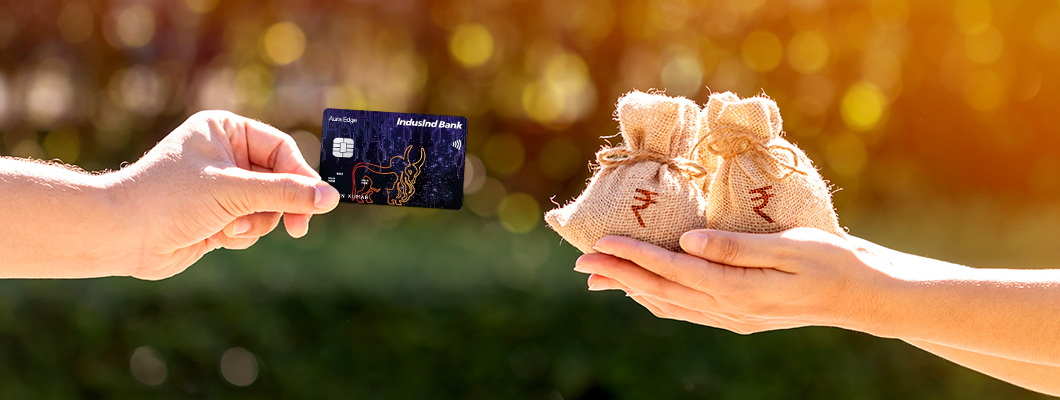
Contactless payments are becoming more common, yet many AU credit card users still rely on physical cards, which can slow down transactions. Carrying a wallet and completing manual steps at checkout may not always feel seamless. Options like Google Pay and Samsung Pay offer an alternative way to pay via smartphone, often linked with the experience of using the best credit card.
This article explains how Tap & Pay works, setup steps, and key considerations.
What is Tap & Pay Technology?
Tap & Pay is a contactless payment method that lets you make card payments by placing your phone near a supported payment machine. It works through NFC, a short-range wireless feature available on many smartphones. After your eligible card is added to a payment app, your phone becomes a payment tool.
How to Add Your AU Credit Card for Tap & Pay
Before you begin, check that your phone supports NFC and that the feature is switched on. Your registered mobile number should also be active because verification may be needed.
Steps for Google Pay
Google Pay may allow eligible users to add a supported credit card for contactless merchant payments. Keep your card close while adding it, and check that the app is updated.
Follow these simple steps to add your card to Google Pay:
- Open Google Pay on your phone.
- Tap your profile or go to payment methods.
- Choose the option to add a credit card.
- Scan your AU Small Finance Bank credit card or enter the details yourself.
- Check the card number, expiry date and other details before continuing.
- Complete the verification step shown in the app.
- Once the card is added, select it when you want to use Tap & Pay.
Steps for Samsung Pay
Samsung Pay may work on compatible Samsung phones and wearables. Before adding the card, set up a secure phone lock such as PIN, fingerprint or face recognition.
To set it up on Samsung Pay, follow these simple steps:
- Open the Samsung Pay on your device.
- Tap the option to add a new card.
- Scan the card or type the card details manually.
- Review the information carefully before submitting it.
- Verify the card through the method shown on the screen.
- Set your preferred way to approve payments.
- After successful verification, use the card at supported contactless terminals.
How to Make Payments Using Tap & Pay
Once your card is saved in the app, payment usually takes only a few seconds. Always check the amount on the machine before you approve it.
- Open the payment app if your device requires it.
- Choose the saved credit card.
- Approve the payment through your phone’s security method.
- Hold the phone close to the contactless payment machine.
- Wait until the phone or machine shows a successful payment message.
- Keep the receipt or check your payment alert later.
Key Benefits of Using Tap & Pay
Tap & Pay is useful for daily card payments when you use it with care. It can make routine purchases smoother at stores that accept contactless payments.
- Less Need to Carry the Physical Card: Your card stays linked to your phone for supported payments.
- Faster Counter Payments: It can reduce the time spent inserting or swiping a card.
- Phone-Based Approval: Your phone lock or biometric approval adds a payment approval step.
- Easy Payment Tracking: App alerts and card statements can make spending easier to review.
- Different from Credit Facilities: Tap & Pay is only a payment method. A loan on a credit card is a separate facility and depends on bank rules, eligibility and applicable terms.
Conclusion
Tap & Pay makes card payments easier for people who prefer using their phone at the counter. After adding an eligible card to Google Pay or Samsung Pay, you can pay at supported contactless machines with phone-based approval. The process is simple, but safe use still matters. Keep your phone locked, check payment alerts, review statements and follow the instructions inside the app. This keeps everyday payments clear, quick and easier to manage.